
Run a Collection
You need a connected interface and a configured Source.
- Open Sources and select the Source you created.
- Open its new-collection Job dialog (New Job, or New task in newer layouts).
- Select ordinary collection and leave run Config as
{}, unless your source guide supplies other options. Confirm once. This configuration applies to the run, not the Source's saved account settings. - Inspect the resulting Job. Its status updates while pending/running; wait for finished and read State and Logs, including source-specific diagnostics. If a read fails, use Retry to resume observation of the same Job.
- If creation could not be confirmed, check the Jobs list before submitting again. A timeout does not prove the first request did nothing.
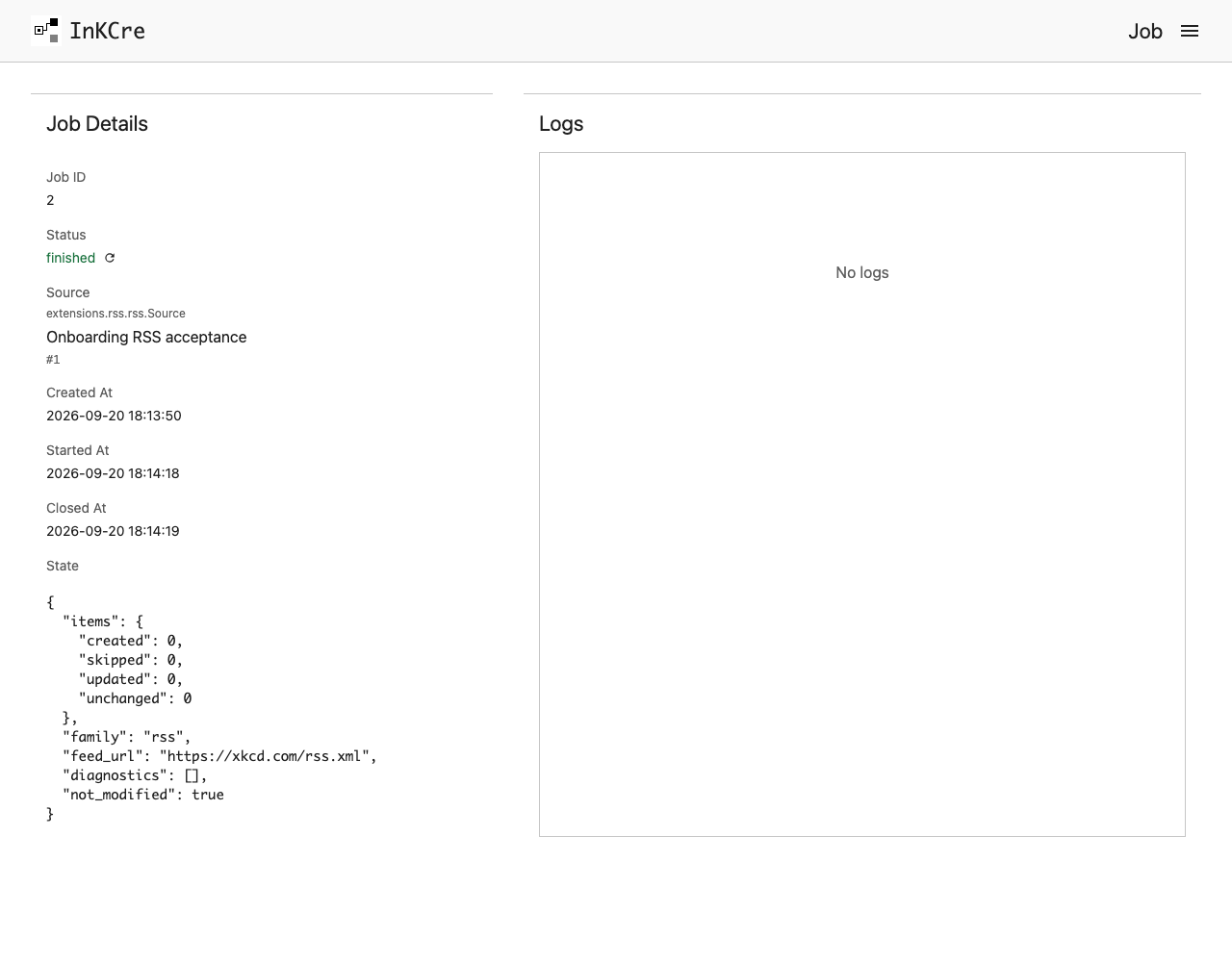
A finished Job is the place to verify what the collector actually did.
The Source ID persists across runs; each run has its own Job ID. A successful empty collection can be normal. Do not repeatedly create Jobs to work around a provider error.
Next: index and search.
First create a Source using its setup guide. Keep the returned Source ID.
Replace
42with that Source ID and run:shinkcre-cli source collect 42 --input-json '{}'The empty object uses that collector's default run options. Source-specific options belong to the individual guide; they are not a replacement for the Source's saved account configuration.
The response contains a new Job ID. Replace
17with it:shinkcre-cli job wait 17 --for 30sLook for
status: finished. If stillpendingorrunning, observe the same Job again. Ending observation does not cancel it. If it failed, inspect:shinkcre-cli job get 17 --json
Read source-specific diagnostics even after success. Do not repeatedly create Jobs to work around a provider error or an observation timeout; fix the reported cause first. Review output for private information before sharing it.