
Schedule Collection
You need a connected interface and a Source with one successful manual run.
First complete a manual collection and find a known item.
- Open the Source's details and inspect existing schedules. Twitter's wizard already creates a daily schedule; do not add a duplicate.
- In Cron schedule, enter
0 * * * *and choose Schedule ordinary collect. Newer layouts put this under Schedules → Add schedule. It collects at minute zero of every hour. - Check the resulting schedule and subsequent Job. Core must be running; closing the browser is fine. Sleeping hosts miss occurrences and do not automatically catch up.
- To stop future runs from the Web, delete the specific schedule after checking its Source. Existing Jobs and collected information remain. An Agent can instead disable a Cron through the CLI if you want to retain it for later re-enabling.
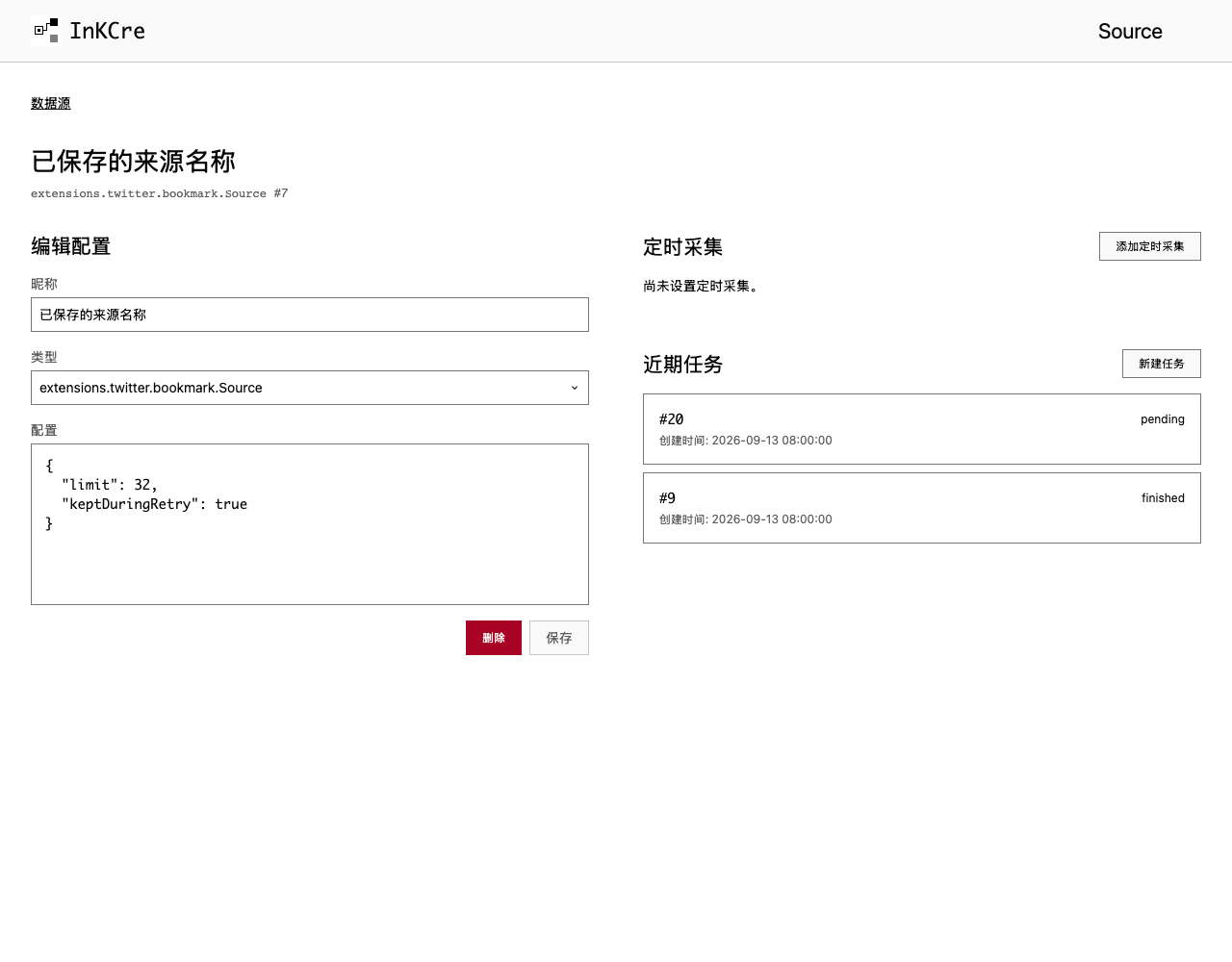
Schedules and recent Jobs belong to the selected Source; confirm its name and type before changing the schedule.
This schedule only collects from the Source. It does not maintain a search index or run Organization. Configure search maintenance separately if you want newly collected items to become searchable without a manual maintenance Job.
First complete one collection and a successful search. Keep the Source ID returned when you created the Source.
After the manual run works, create collect-hourly.json, replacing 42 with your Source ID:
{
  "schedule": "0 * * * *",
  "job_parameters": { "source": 42, "config": {} }
}inkcre-cli cron create --job-type core.source.collect.v1 --input collect-hourly.jsonThis five-field schedule means “at minute zero of every hour.” Create it once. Inspect its returned Cron ID with inkcre-cli cron get ID; last_job identifies the Job to check. Pause it with inkcre-cli cron disable ID. Replace ID with the actual number. Your terminal may be closed, but Core must run. Sleeping hosts miss occurrences and do not automatically catch up.
Collection does not update search indexes or run Organization. Continue with search maintenance if newly collected items should become searchable without a manual Job.