
Find What You Saved
You need a connected interface and at least one completed collection.
First finish one collection.
Ask your trusted Agent to run lexical-index maintenance after collection. This is currently a CLI operation, not a button in the Web app:
shinkcre-cli job create --type core.feature_retrieval.lexical.maintain.v1 --input-json '{"parameters":{}}' inkcre-cli job wait JOB_ID --for 30sReplace
JOB_IDwith the returned number. Inspect its state and diagnostics; maintenance handles a bounded batch, so a larger import can need another run. A maintenance schedule avoids this manual step after every collection.Open Info Base in client-web. Enter a distinctive phrase from the collected item and search.
Select a result, inspect its details, use View content where supported, and follow its graph relationships. Some content needs a compatible browser Extension for rich rendering; an Agent can also retrieve Core-resolved text through the CLI.
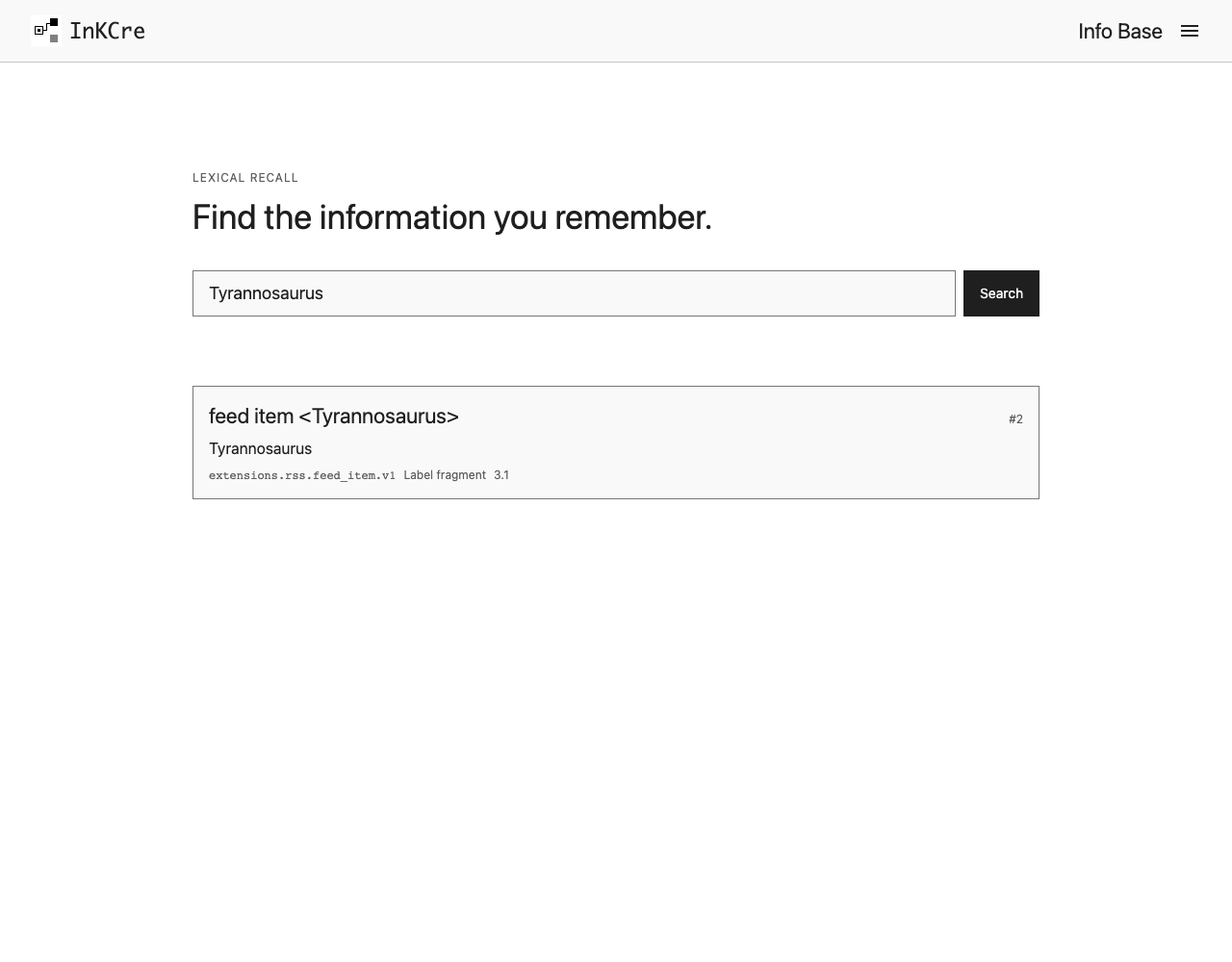
Search for a phrase you recognize; the result should be the information itself, not merely a successful maintenance Job.
Checkpoint: you found a real item and its source relationships. Collection and indexing are separate; an AI key is not required for lexical search. Source-derived relationships do not mean that InKCre has automatically summarized or reorganized everything with AI.
You need a connected CLI and at least one completed collection. If you have not collected anything yet, choose your first source.
Collection and indexing are separate. Create a lexical-index maintenance Job after collection to enable search by remembered words, without an AI provider:
inkcre-cli job create --type core.feature_retrieval.lexical.maintain.v1 --input-json '{"parameters":{}}'Use its returned Job ID with inkcre-cli job wait JOB_ID --for 30s, replacing JOB_ID with the number. Check its status and state for indexed records and diagnostics. Maintenance processes a bounded batch; repeat if you imported more than one batch can index.
Copy a distinctive phrase from an item your source collected and search:
inkcre-cli recall 'A phrase from your saved item' --mode lexicalRead a returned Block's content and relationships, replacing 123 with that Block's ID:
inkcre-cli resolver invoke block:123 --method get_text
inkcre-cli graph neighborhood block:123
Checkpoint: you can retrieve a real item you recognize and see its source relationships. You have completed the first loop: source → saved information → information you can use.
These source-derived relationships came from collection: feed items belong to feeds, GitHub repositories can belong to Lists, and mail has sender and mailbox relationships. They are not an Organization operation and do not mean InKCre has already summarized, tagged, or reorganized the information with AI.
Keep search current
Lexical maintenance makes collected information searchable by remembered words. It does not collect information or author graph meaning. Ask your trusted Agent to check whether the instance already has a maintenance schedule; create only one if it does not:
inkcre-cli cron create --job-type core.feature_retrieval.lexical.maintain.v1 --input-json '{"schedule":"*/10 * * * *","job_parameters":{}}'This schedule runs every ten minutes while Core is available. Inspect the returned Cron and its last_job; maintenance processes a bounded batch, and the Job carries its own result and diagnostics. Sleeping hosts miss occurrences and do not automatically catch up. Pause future runs without deleting the Cron record with:
inkcre-cli cron disable IDReplace ID with the Cron ID. Pausing index maintenance does not stop collection or Organization and does not remove stored information. Semantic retrieval has its own configuration and maintenance; an LLM key or lexical schedule does not enable it.