
Connect to Your Instance
Use client-web for your own day-to-day setup and reading. The CLI is primarily an interface for your trusted Agent. You do not need to configure every interface before starting. The selector on these guides changes the instructions, not your instance, and keeps your choice while navigating the site.
Connect the Web app
- Retain your deployment's PostgREST URL, private JWT secret, and Core URL.
- Open Web app Settings. Only enter your secret into a Web app you trust: it grants full deployment authority, not a limited app session.
- Enter the PostgREST base URL in PostgreSQL REST URL, and the secret in JWT Secret. Do not substitute the Core URL for PostgREST.
- Select Save in Connection. Language changes take effect separately, without saving the connection again.
- Open Peers. Confirm that This browser and Core appear with their application versions. Use Refresh after Core starts if its state has not updated yet.
- To use the public Extension Registry, select Edit Config on This browser, set
extension_registry_urltohttps://registry.inkcre.dev, and save.
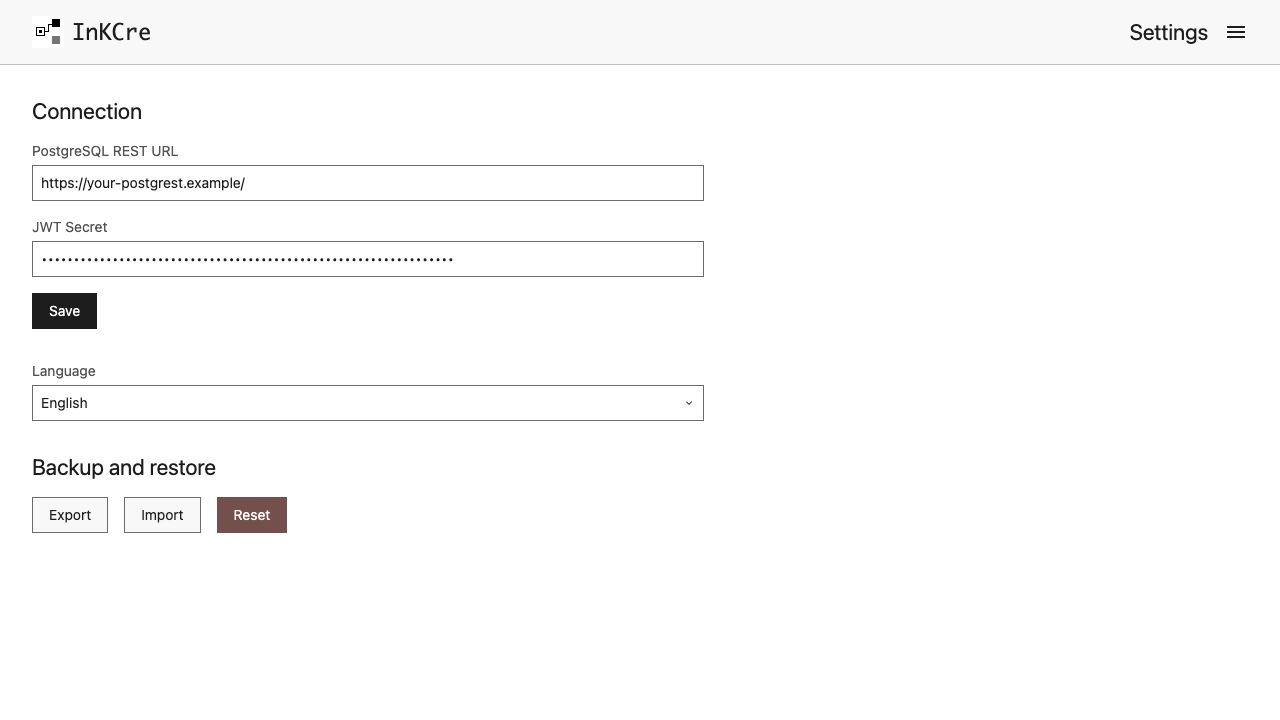
Settings stores this browser's connection and language. Peer-specific configuration lives under Peers.
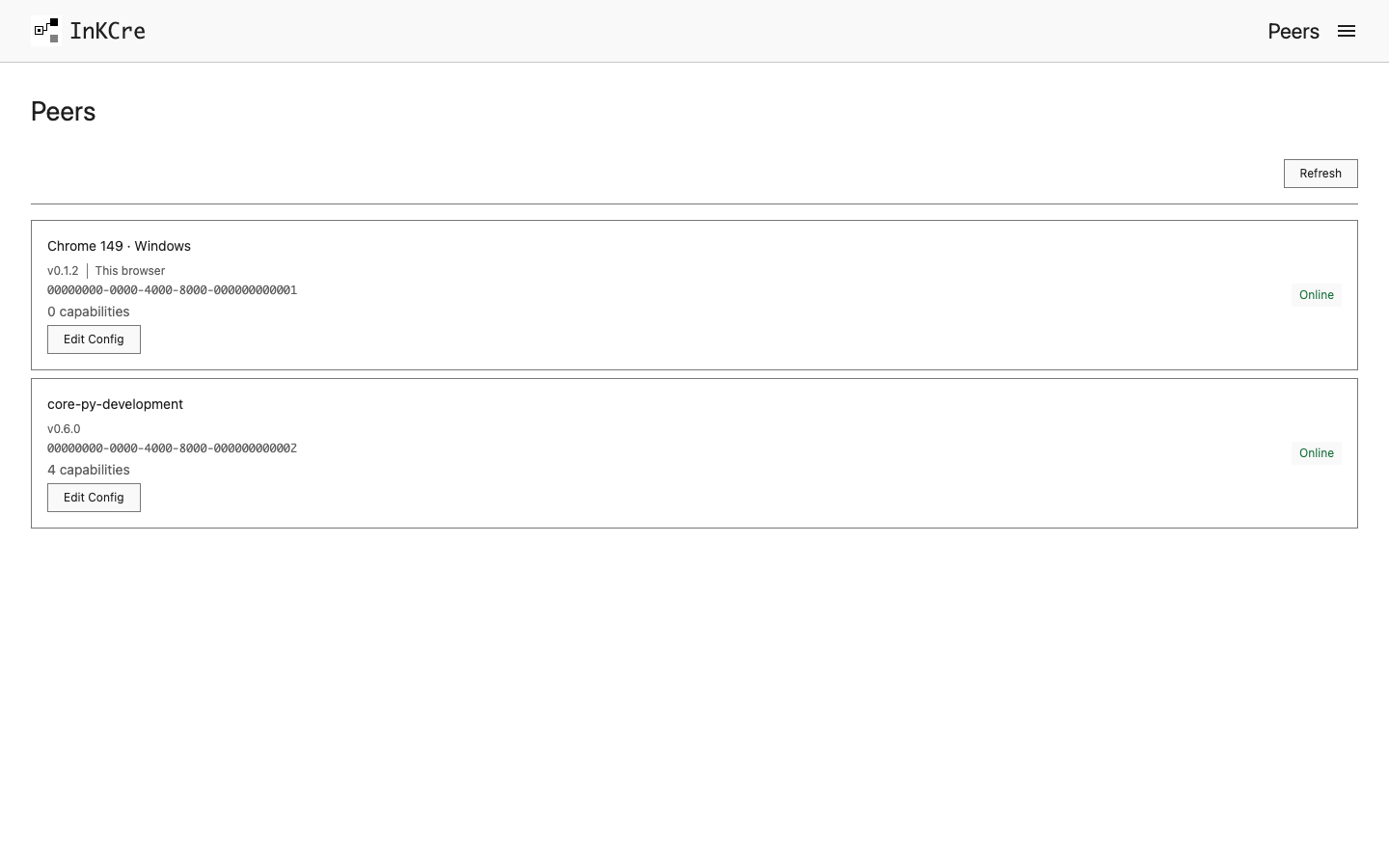
Peers shows the runtimes connected to this deployment. Edit a Peer when configuration belongs to that runtime.
The connection belongs to this browser origin. To restore it in another browser, use Export and Import under Backup and restore. Keep the file private: it includes your JWT secret. This restores browser settings, not a backup of your collected information.
Checkpoint: Settings saves successfully and you can open Sources. An empty list is normal for a new instance; a connection error is not an empty list.
Connect your Agent or terminal
Follow Connect the CLI to install inkcre-cli, configure a private named connection, and verify access. Give that connection only to an Agent you trust with instance authority. Its model provider may receive the information it reads.
You can ask your Agent to perform a specific operation from a guide, then inspect the resulting Source or Job in the Web app. Do not share connection files or JWT secrets in public conversations.
Next: Choose Your First Source.